
01 · CAST
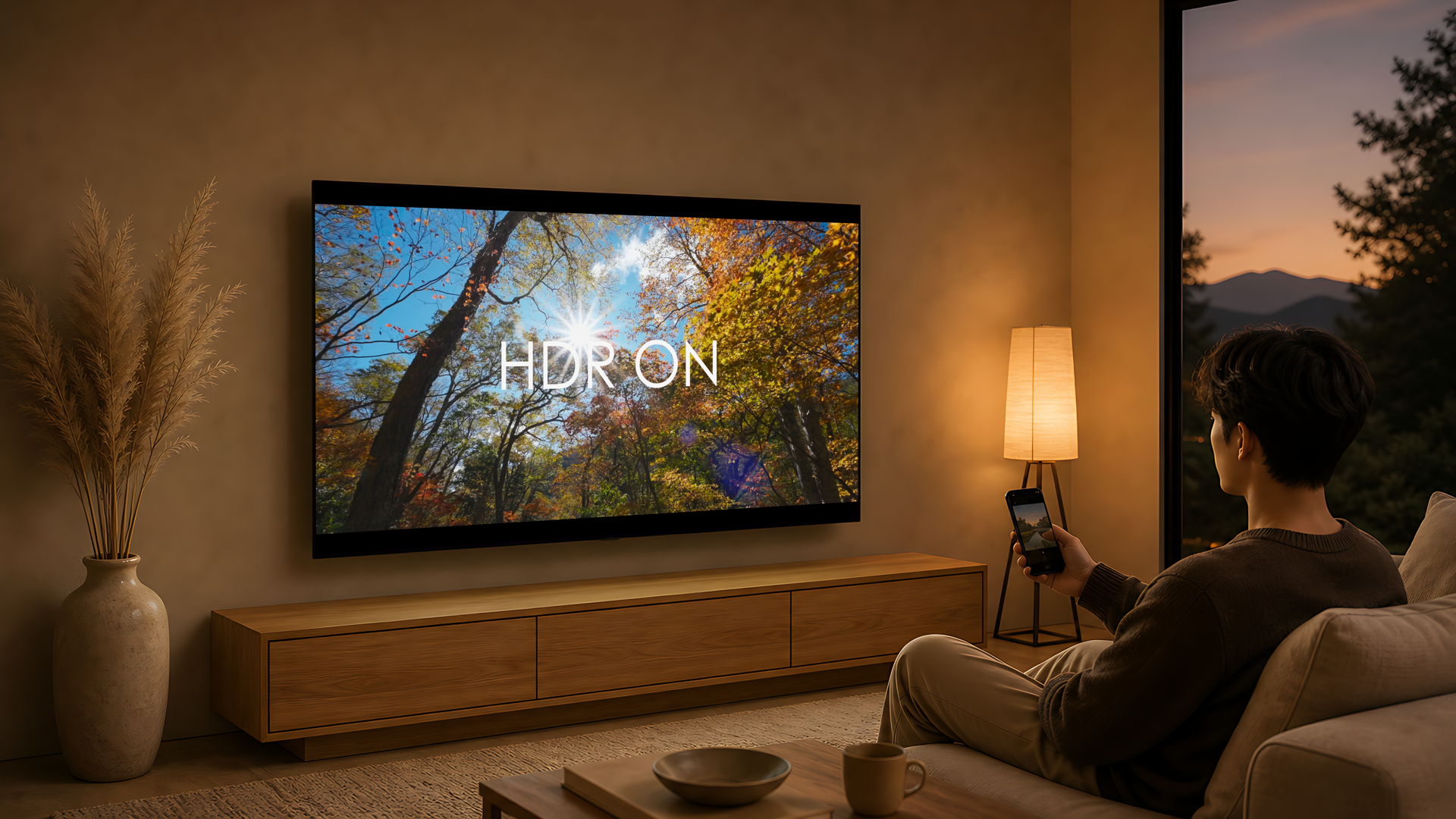
Send phone videos to the big screen
Push videos from your phone to Apple TV over DLNA — no need to mirror the whole phone screen.
Made for Apple TV
CastFlow brings phone videos, Jellyfin libraries, WebDAV / SMB files, live IPTV channels and an idle photo + clock screen to your Apple TV. Less fiddling, more sitting down and watching.
Scenes
CastFlow is built around what people actually do on Apple TV: cast from a phone, watch with danmaku, browse a Jellyfin library, open WebDAV / SMB files, run IPTV channels and keep the screen alive when no one is watching — all from one calm home.
Push videos from your phone to Apple TV over DLNA — no need to mirror the whole phone screen.
For shows you usually watch with scrolling comments — keep the same vibe in the living room.
Photos and a clock fill the idle hours, turning Apple TV into a quiet family display when no one is watching.
Connect Jellyfin, WebDAV, SMB or a NAS — movies, shows and subtitles don't have to stay on your laptop.
Import IPTV sources, organize the channels you actually watch, and make the family room, living room and catch-up all feel native.
Casting, libraries, live TV and the idle screen all start from the same home — easier for the whole family to find what they want to watch.
Install it on Apple TV first, then bring in your videos, libraries and live channels over time. You don't have to set everything up at once.