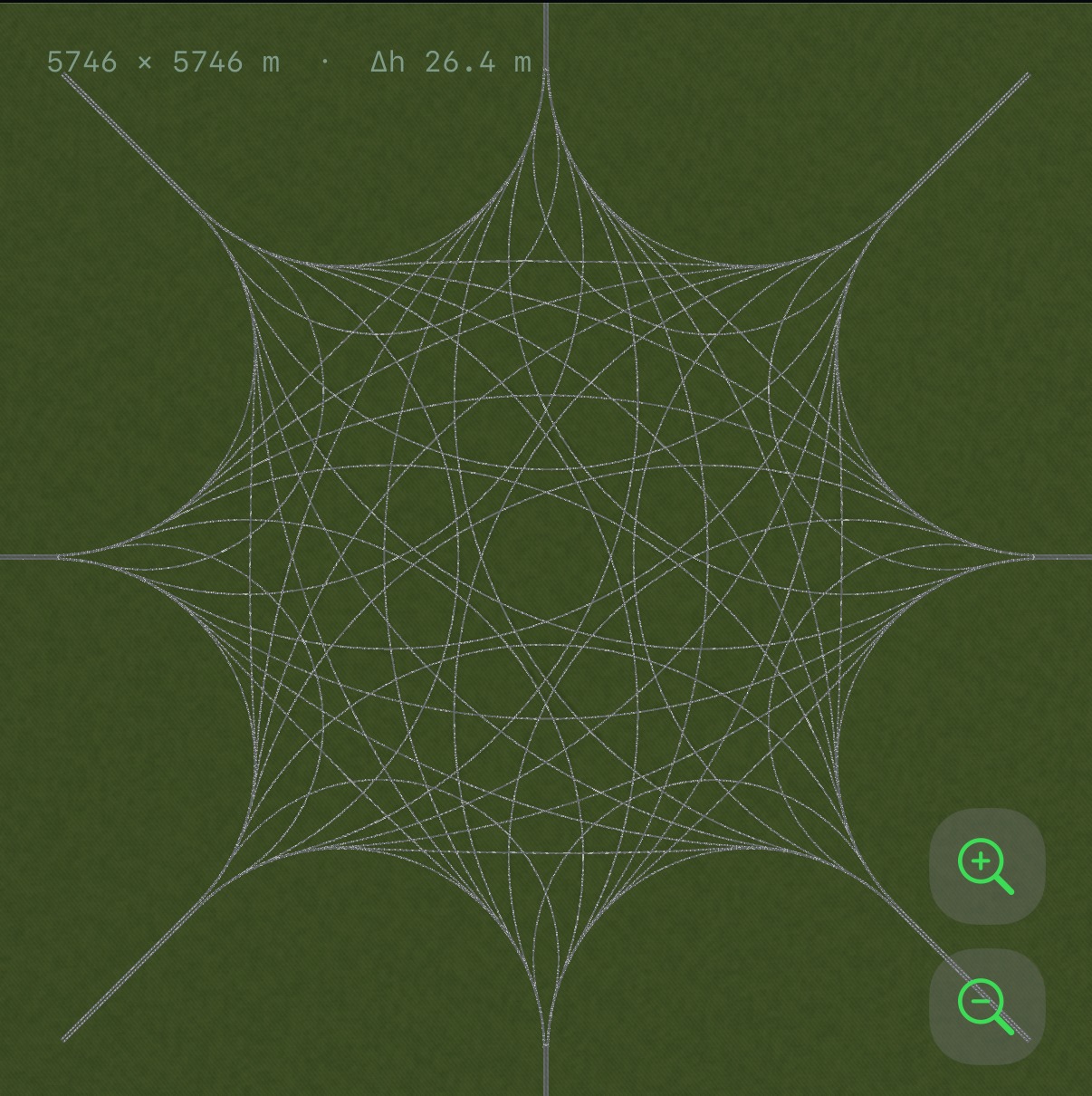
See what the plan hides.
Turn the view, look from above or exaggerate height to make overlapping roads easier to follow.
Coming soon for iPhone and iPad
Explore intricate layouts. Draw roads, connect ramps and see your own design in 3D.
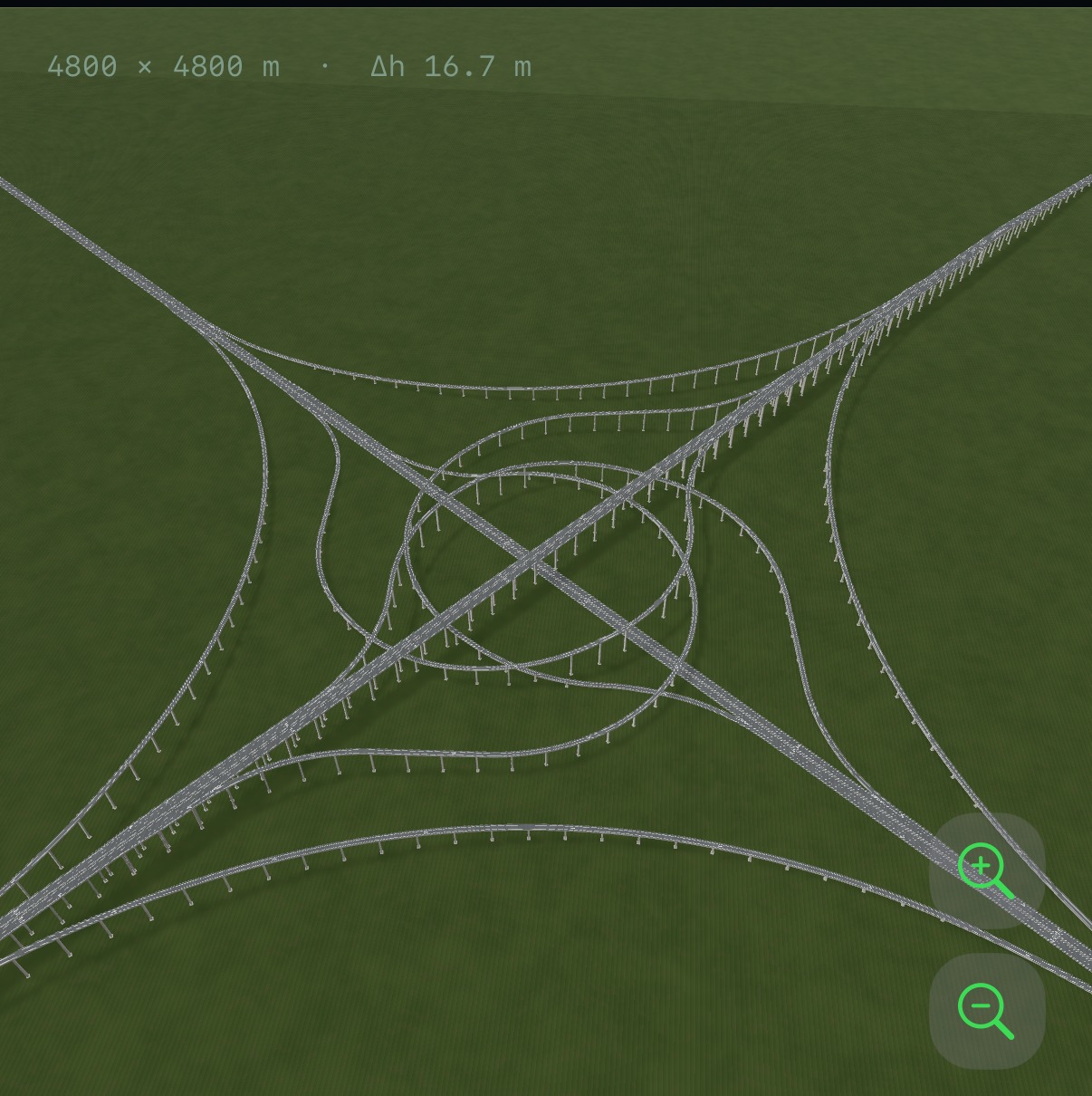 EXPLORE CITY INTERCHANGES
Follow a ramp through a tangled junction. Find the idea that makes it work. Then try a connection of your own.
From compact 3-way layouts to intricate 8-way interchanges. Rotate the roads, zoom into the ramps and see how each layer fits.
Look beneath the surface →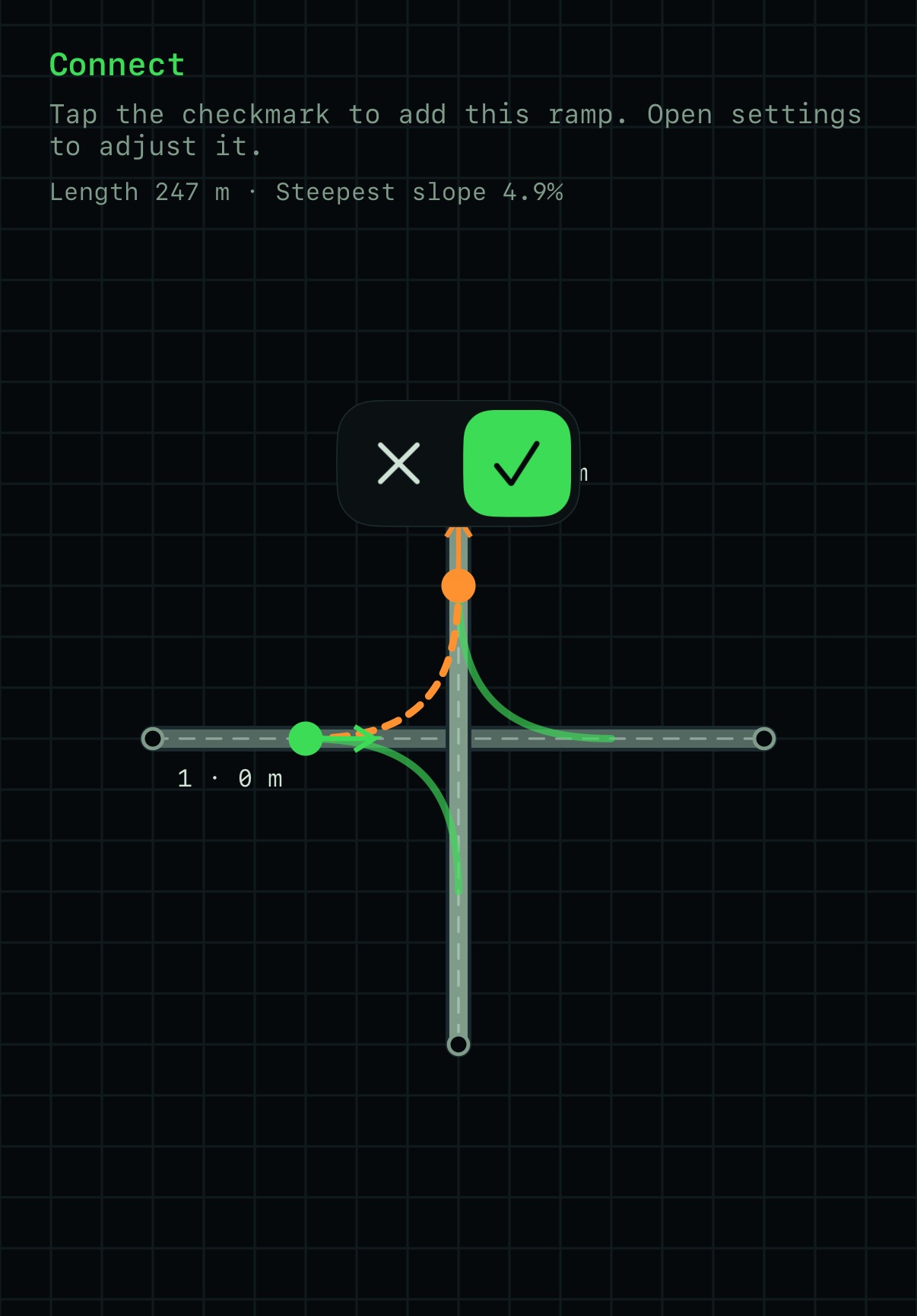
Lay down your main roads, choose their height and join them with ramps. Go from a simple sketch to a design you can explore in 3D.
See how building works →Choose two points to place a road. Set its height before you build the next layer.
Pick the roads you want to connect and preview the route between them.
Adjust the bend and direction. Undo and redo to try a different connection.
Open the 3D view. Rotate, zoom and look from above to see the whole structure.
Watch vehicles move through the included interchanges. Follow a turning lane, a rising ramp, a crossing you almost missed.
Traffic is available on included interchanges. Your own designs are currently for 3D viewing.
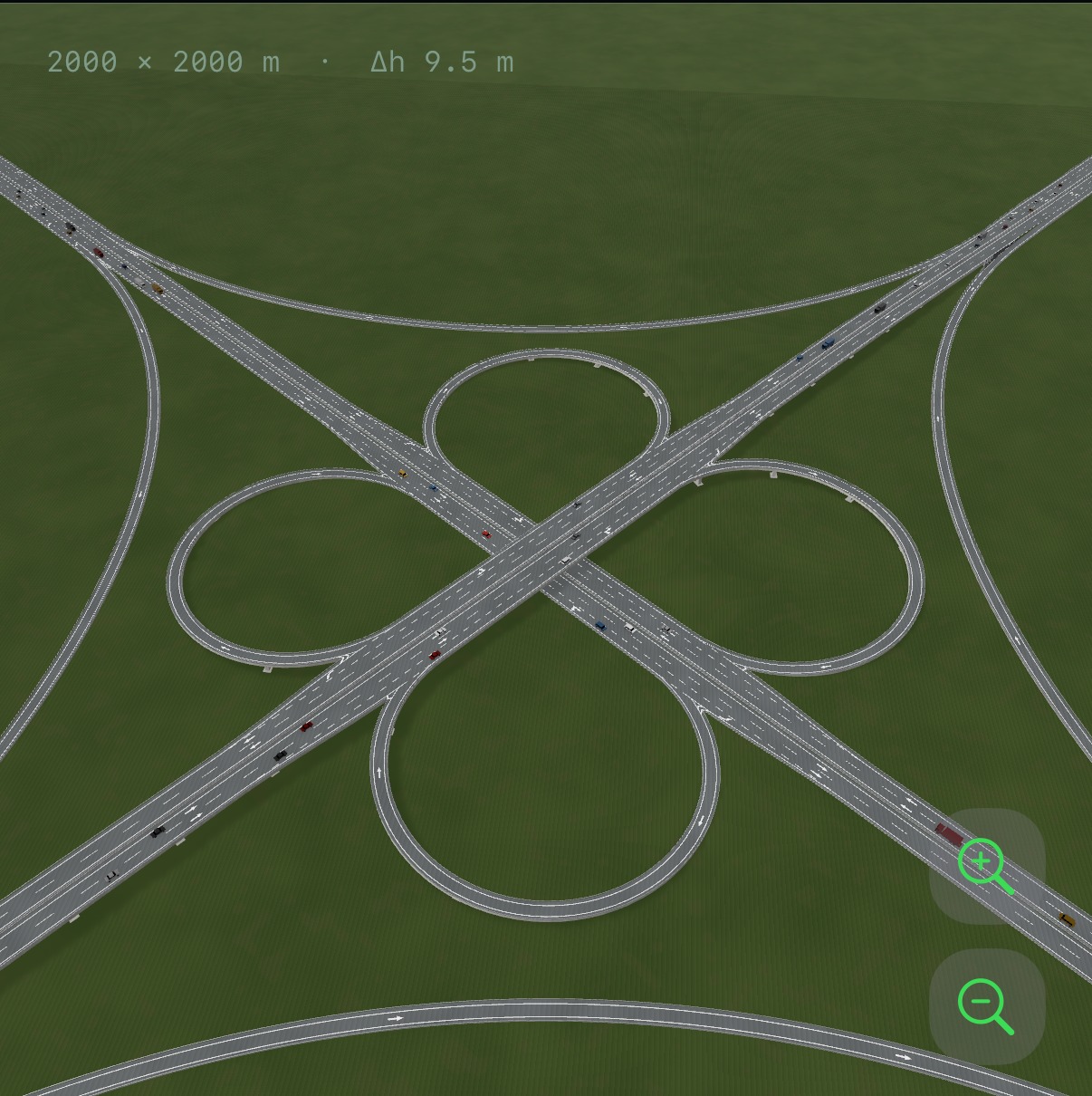
Turn the view, look from above or exaggerate height to make overlapping roads easier to follow.
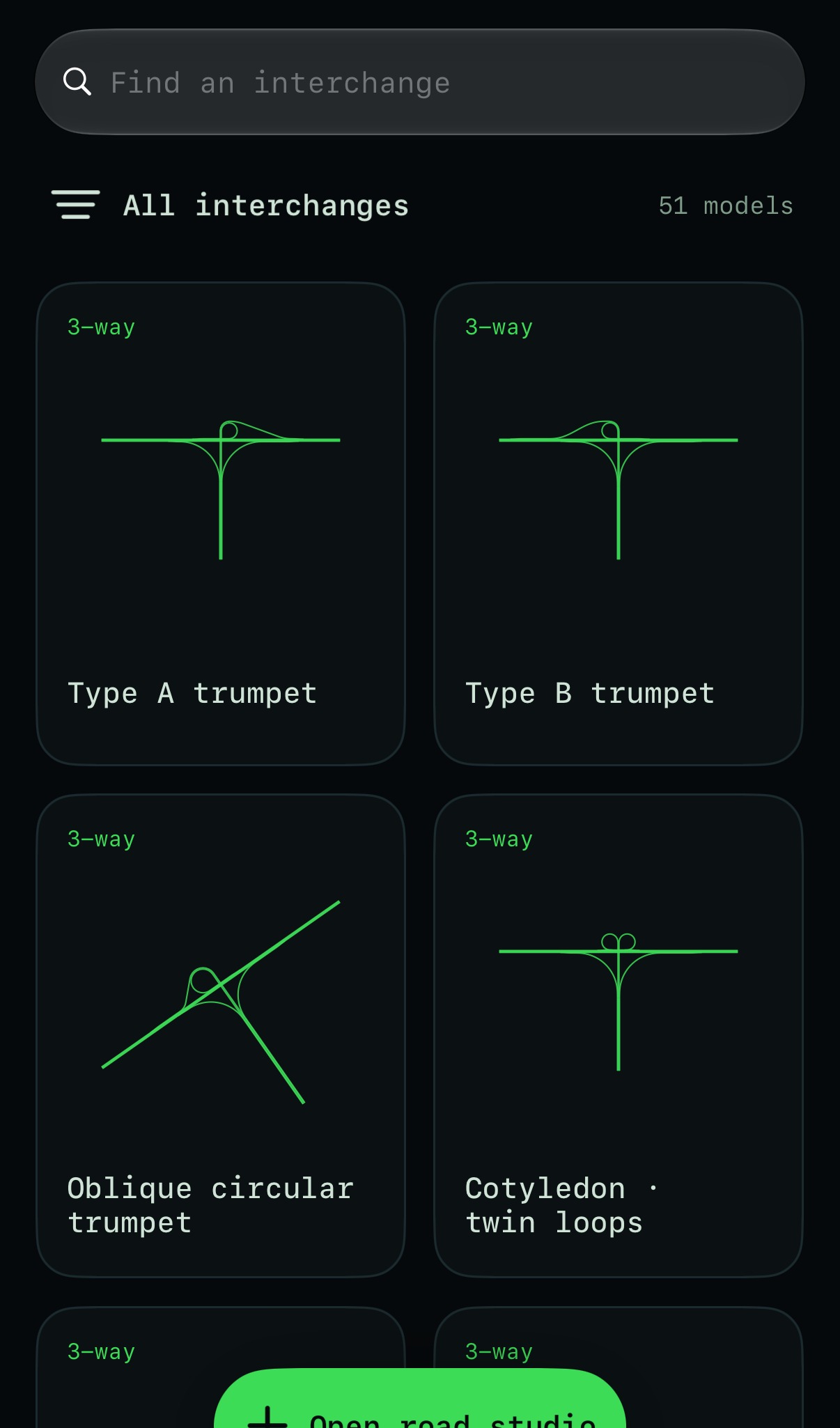
Browse the included layouts and compare how different junctions connect their approaches.
The focus is roads and interchanges: exploring the included collection and creating your own road connections. There is no city economy, railway network or full-city simulation.
Use it to learn, explore and create. The visual models and traffic are not engineering checks, validated traffic forecasts, construction plans or navigation guidance.
Not currently. Traffic is shown on the included interchanges. Your own designs can be viewed in 3D.
You can save your current design on your device and continue it later. There is no multi-project library or cloud sync at present.
Yes. The interchange collection and road builder work on your device without an account or an Internet connection.
The iPhone and iPad release is being prepared. The App Store link will be enabled here once the app is available.
Coming soon to the App Store
This selector changes the introduction only. Full site and legal pages are available in English and Chinese.