Every photo has
another side.
Emulo develops the photos and videos you already have the way film would: pick a stock and a print paper, then dial in exposure, grain and halation. Your original stays untouched.
iPhone & iPad · iOS 26 or later · No account

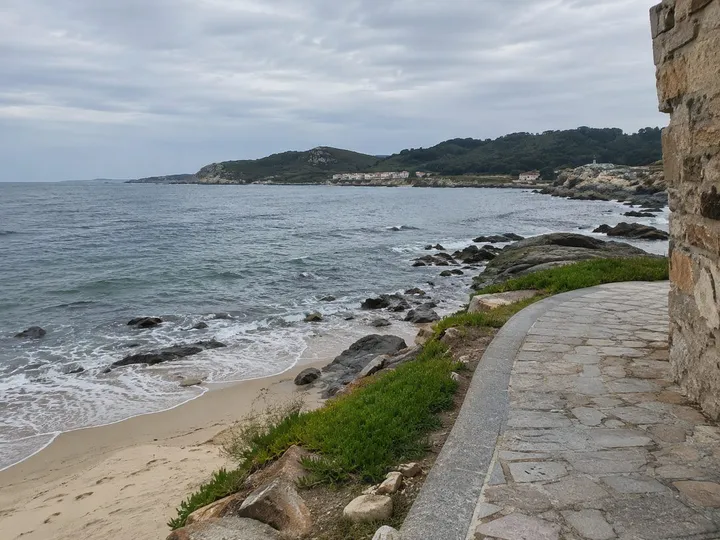
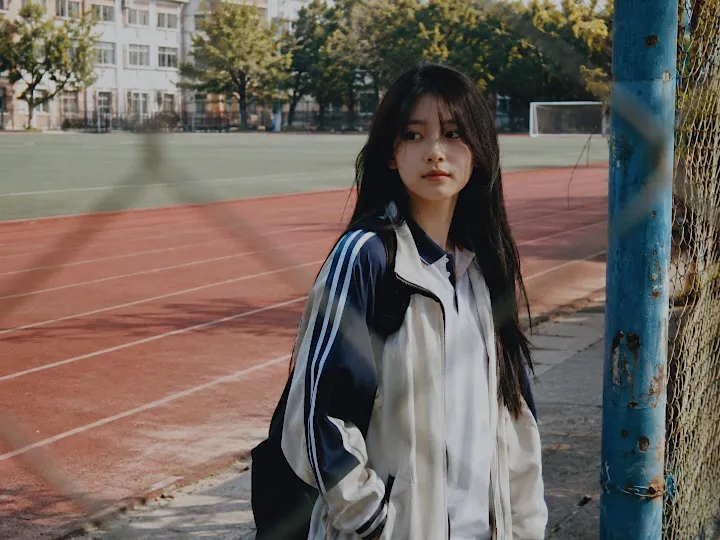 Original
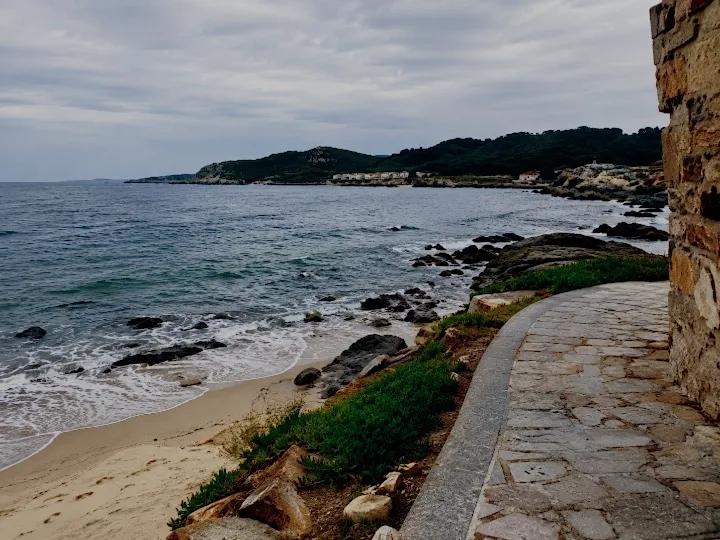
Developed
A darkroom,
not a filter pack.
Each film look runs your photo through a model of exposure, development and printing, so color, contrast and grain respond to the picture instead of being painted on top.
25 films, 9 papers
Color negative, slide and black-and-white stocks, each paired with print papers that change how it renders.
Grain and halation
Adjust print exposure, grain and the red glow around bright lights until the frame feels right.
25 camera styles
Seven series of camera color looks, each with its own strength control.
Videos too
Use the same looks on videos, trim the clip, set the original audio volume and export in HEVC.
Recipes
Save a look as a recipe and apply it to other photos or videos in one tap.
Originals kept
Import from Photos or Files, including RAW. Emulo works on a copy and never overwrites the original.
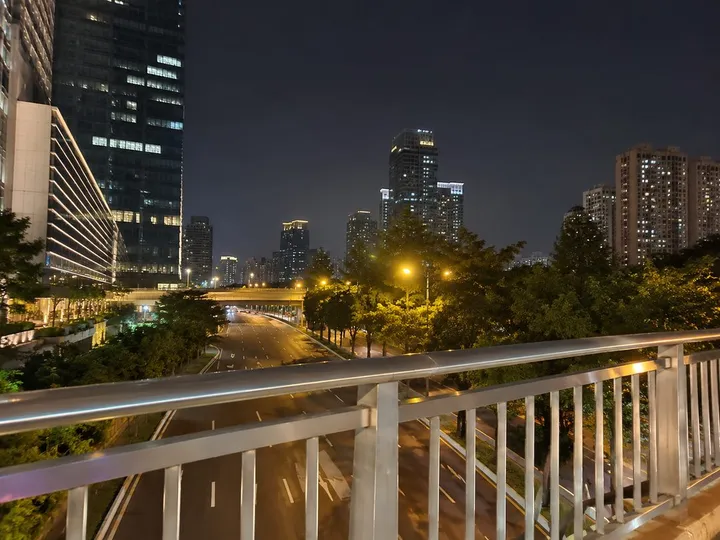
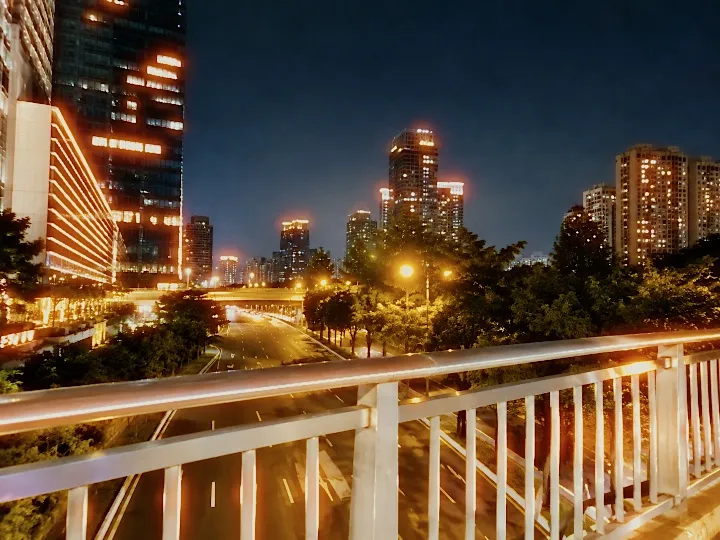
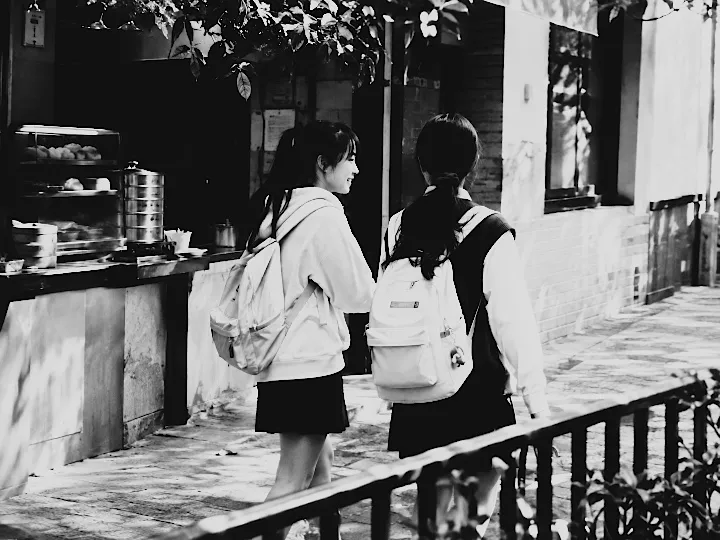
Before and after.
Drag across each frame to compare. All samples were developed by the app.

Your photos stay on your iPhone.
Developing, previews and exports all happen on the device. Emulo has no server to send anything to.
- No account and no sign-in
- No analytics, no ads, no tracking
- Photos are chosen with the system picker, so Emulo never reads your whole library
- Saving to Photos asks only for permission to add
Questions & support
Does Emulo change my original photo or video?
No. Emulo copies what you import and works on the copy. Your photo library and files are not modified. Exports are saved as new photos or videos.
Which files can I import?
Photos in RAW, JPEG, HEIC, PNG or TIFF up to 300 MB, and videos in MOV or MP4. If iOS can’t read a camera’s RAW files yet, import a DNG or JPEG instead.
What do exports look like?
Photos are saved as JPEG with an embedded color profile. Depending on your device’s memory, the long edge can be 2048, 2560 or 3840 pixels; small originals are never upscaled. Videos are exported in HEVC.
Why does a video take time before it plays?
When you change the look, Emulo develops the clip frame by frame before playback. Longer clips take longer, and you can stop developing at any time.
Are the camera styles official?
No. They are unofficial, experimental presets based on community color data. Emulo is not affiliated with any camera or film maker, and results are not guaranteed to match their cameras.
Do my projects sync between devices?
No. Projects and recipes are stored only on this device. Deleting the app removes them.
Still need help? Email tinuv@foxmail.com, or use Send Feedback in the app’s Settings.